✨ New Arrivals Just Dropped!Explore
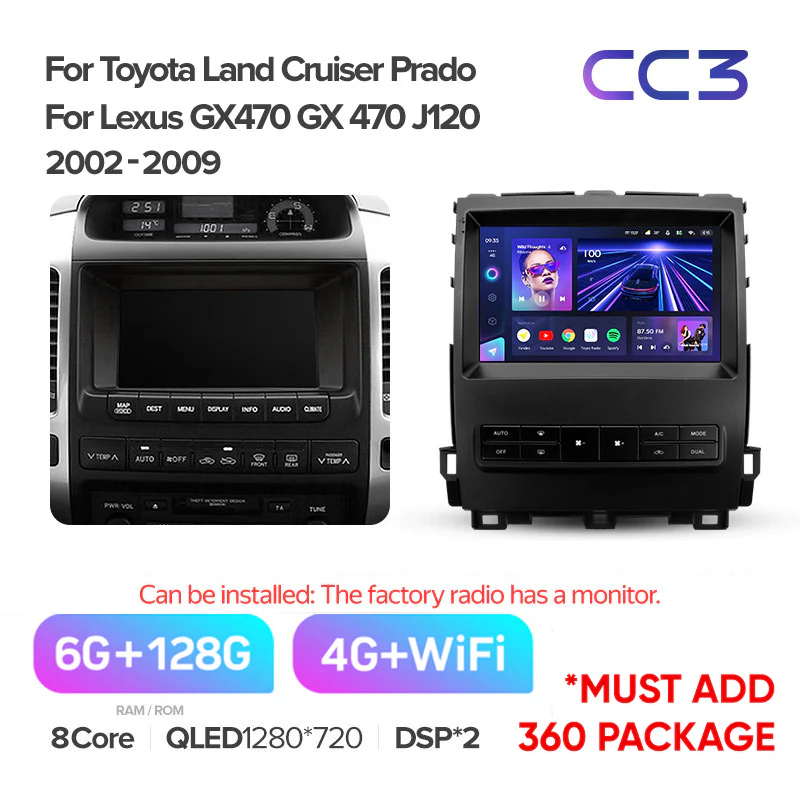
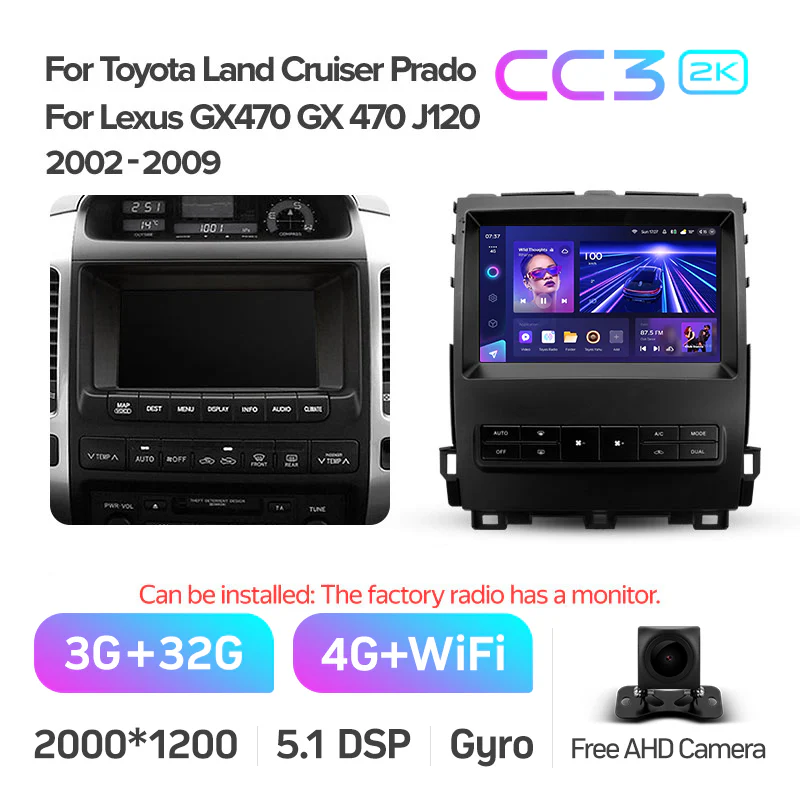
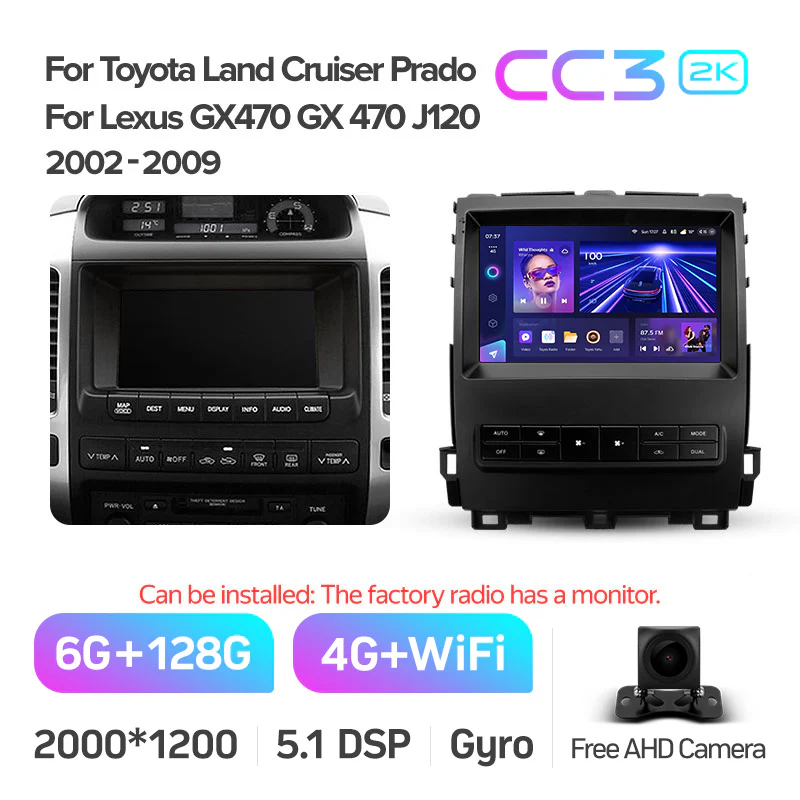
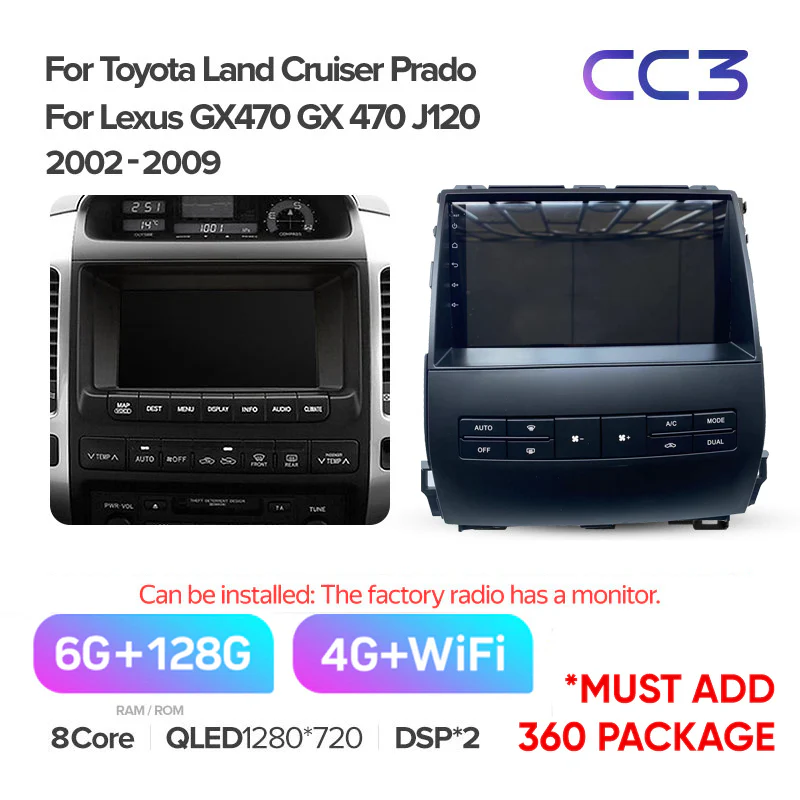
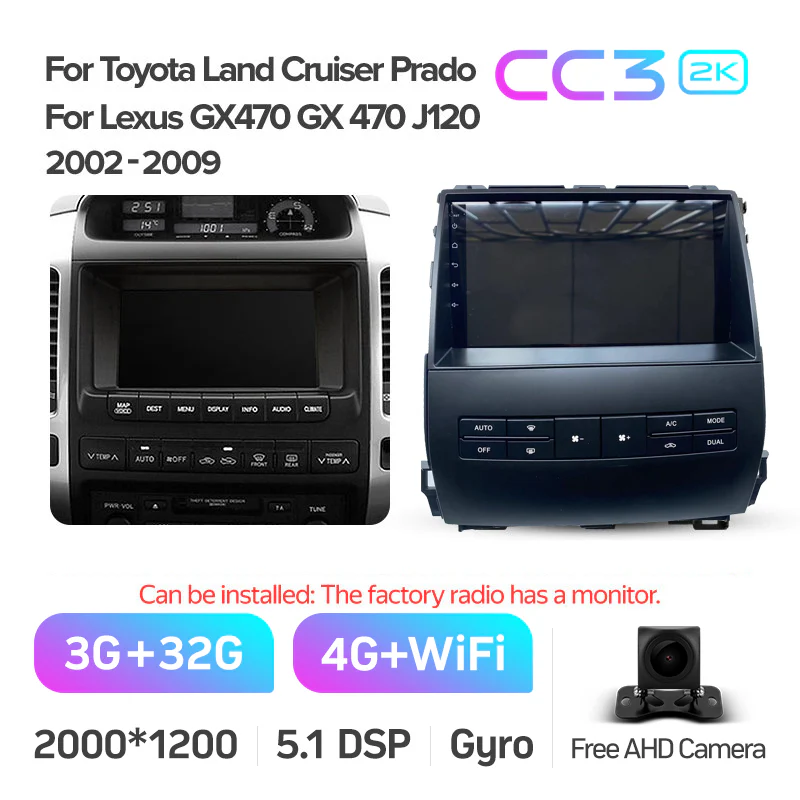
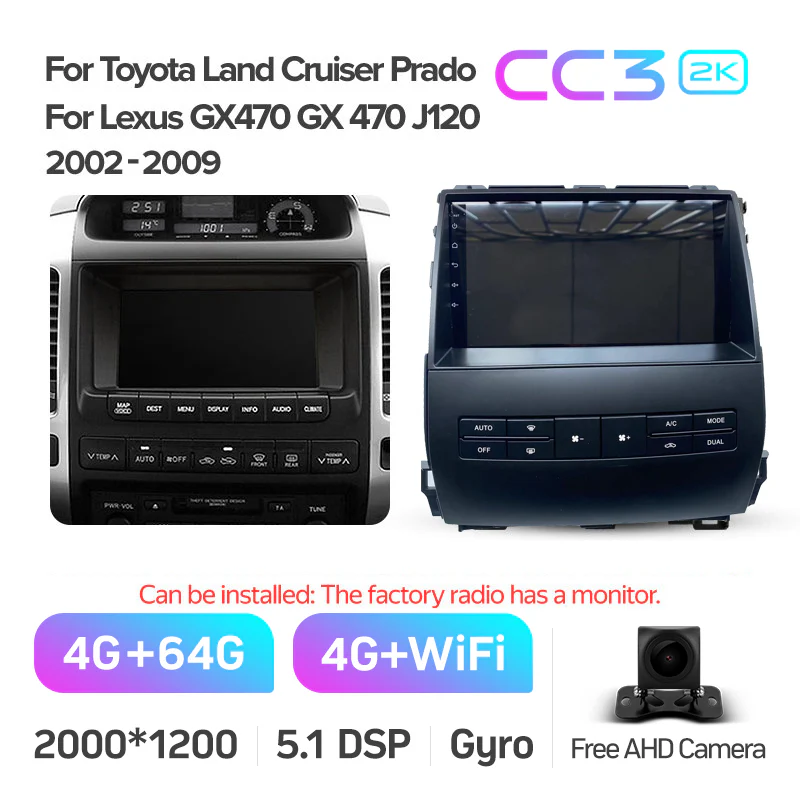
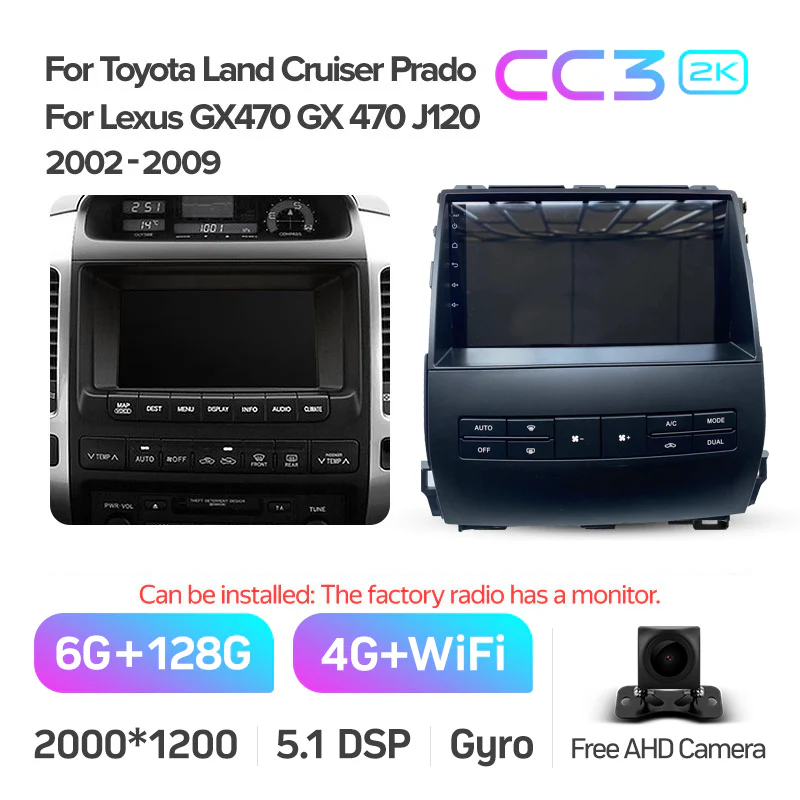
Toyota Landcruiser Land Cruiser Prado 120 J120 / Lexus GX470 GX 470 (2002-2009) [B]
-
Brand Name: TEyes
- Din: One Din
- Certification: CE
- Certification: EAC
- Display Size: 9"
- Operating System: Android
- Digital Media Format: Mp3
- Digital Media Format: Mp4
- Digital Media Format: WMA
- Digital Media Format: JPEG
- Special Feature: Wifi Function
- Special Feature: Support Steering Wheel Control
- Special Feature: Support 3G Network
- Special Feature: Support 4G Network
- Compatible with the Factory Premium Mark Levision Sound System
Installation Notice
Note 1: A high number of clients are not noticing the very bottom notice, you require the Teyes sony lens camera as the OEM camera will not function with this unit. In order to have reverse image and also live feed, please note to add the reverse camera when checking out.
Note 2: As of the 28th of October, A & B harness are now integrated into a new ONE harness. Not all plugs will be required so be cautious during install.
Note 3: BEFORE disconnecting OEM head unit:* Set fade & balance to center * Set volume to Maximum
Note 4: To prevent potential A/C & Sound control issues, you can do the 2 following techniques -1) Turn on accessories power --> Turn on the A/C --> Remove OEM head unit and replace with T'Eyes head unit --> Turn on accessories and test A/C
OR
2) Turn on accessories power --> Turn on the A/C --> Switch off accessories --> Remove OEM head unit and replace with T'Eyes head unit --> Turn on accessories and test A/CIMPORANT: YOU MUST SET THE A/C TEMP MANUALLY ON THE ORIGINAL HEAD UNIT BEFORE REMOVAL, DO NOT LEAVE IT AS "MAX COLD" OR "AUTO" OR THE A/C DISPLAY ON THE CC3 WILL BE STUCK AND NOT REACT TO COMMANDSNOTE: IF EVERYTHING IS WORKING DO NOT UPDATE CANBUS PROTOCOLS
OR
2) Turn on accessories power --> Turn on the A/C --> Switch off accessories --> Remove OEM head unit and replace with T'Eyes head unit --> Turn on accessories and test A/CIMPORANT: YOU MUST SET THE A/C TEMP MANUALLY ON THE ORIGINAL HEAD UNIT BEFORE REMOVAL, DO NOT LEAVE IT AS "MAX COLD" OR "AUTO" OR THE A/C DISPLAY ON THE CC3 WILL BE STUCK AND NOT REACT TO COMMANDSNOTE: IF EVERYTHING IS WORKING DO NOT UPDATE CANBUS PROTOCOLS


IMPORTANT: If you have this symptom as this video below. The incorrect connections are being used. This must be corrected and it will work.
Select Memory Size
From $117.79
Original: $336.55
-65%Toyota Landcruiser Land Cruiser Prado 120 J120 / Lexus GX470 GX 470 (2002-2009) [B]—
$336.55
$117.79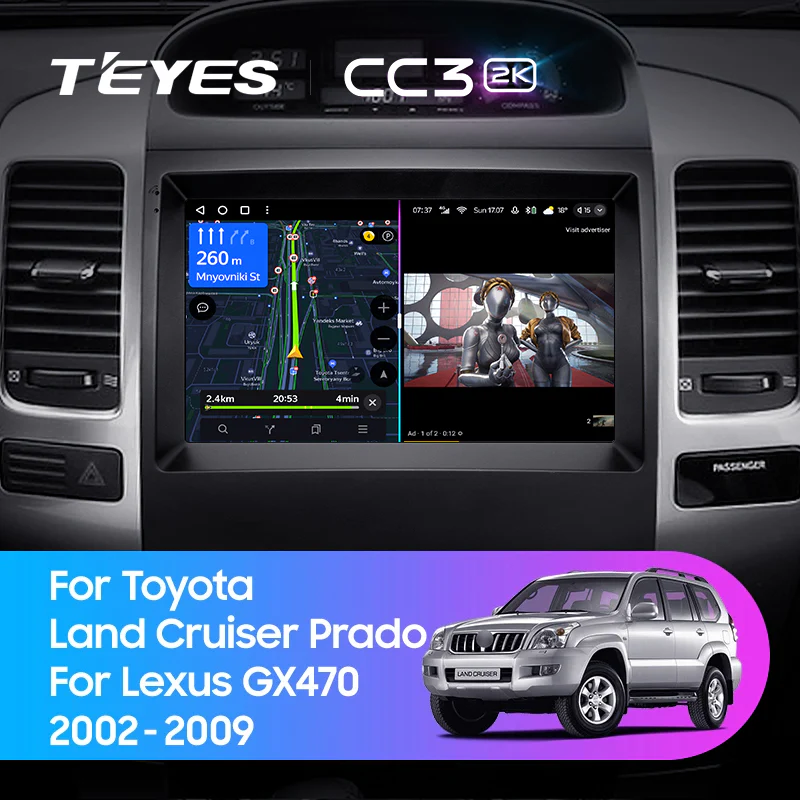




Description
-
Brand Name: TEyes
- Din: One Din
- Certification: CE
- Certification: EAC
- Display Size: 9"
- Operating System: Android
- Digital Media Format: Mp3
- Digital Media Format: Mp4
- Digital Media Format: WMA
- Digital Media Format: JPEG
- Special Feature: Wifi Function
- Special Feature: Support Steering Wheel Control
- Special Feature: Support 3G Network
- Special Feature: Support 4G Network
- Compatible with the Factory Premium Mark Levision Sound System
Installation Notice
Note 1: A high number of clients are not noticing the very bottom notice, you require the Teyes sony lens camera as the OEM camera will not function with this unit. In order to have reverse image and also live feed, please note to add the reverse camera when checking out.
Note 2: As of the 28th of October, A & B harness are now integrated into a new ONE harness. Not all plugs will be required so be cautious during install.
Note 3: BEFORE disconnecting OEM head unit:* Set fade & balance to center * Set volume to Maximum
Note 4: To prevent potential A/C & Sound control issues, you can do the 2 following techniques -1) Turn on accessories power --> Turn on the A/C --> Remove OEM head unit and replace with T'Eyes head unit --> Turn on accessories and test A/C
OR
2) Turn on accessories power --> Turn on the A/C --> Switch off accessories --> Remove OEM head unit and replace with T'Eyes head unit --> Turn on accessories and test A/CIMPORANT: YOU MUST SET THE A/C TEMP MANUALLY ON THE ORIGINAL HEAD UNIT BEFORE REMOVAL, DO NOT LEAVE IT AS "MAX COLD" OR "AUTO" OR THE A/C DISPLAY ON THE CC3 WILL BE STUCK AND NOT REACT TO COMMANDSNOTE: IF EVERYTHING IS WORKING DO NOT UPDATE CANBUS PROTOCOLS
OR
2) Turn on accessories power --> Turn on the A/C --> Switch off accessories --> Remove OEM head unit and replace with T'Eyes head unit --> Turn on accessories and test A/CIMPORANT: YOU MUST SET THE A/C TEMP MANUALLY ON THE ORIGINAL HEAD UNIT BEFORE REMOVAL, DO NOT LEAVE IT AS "MAX COLD" OR "AUTO" OR THE A/C DISPLAY ON THE CC3 WILL BE STUCK AND NOT REACT TO COMMANDSNOTE: IF EVERYTHING IS WORKING DO NOT UPDATE CANBUS PROTOCOLS
IMPORTANT: If you have this symptom as this video below. The incorrect connections are being used. This must be corrected and it will work.